
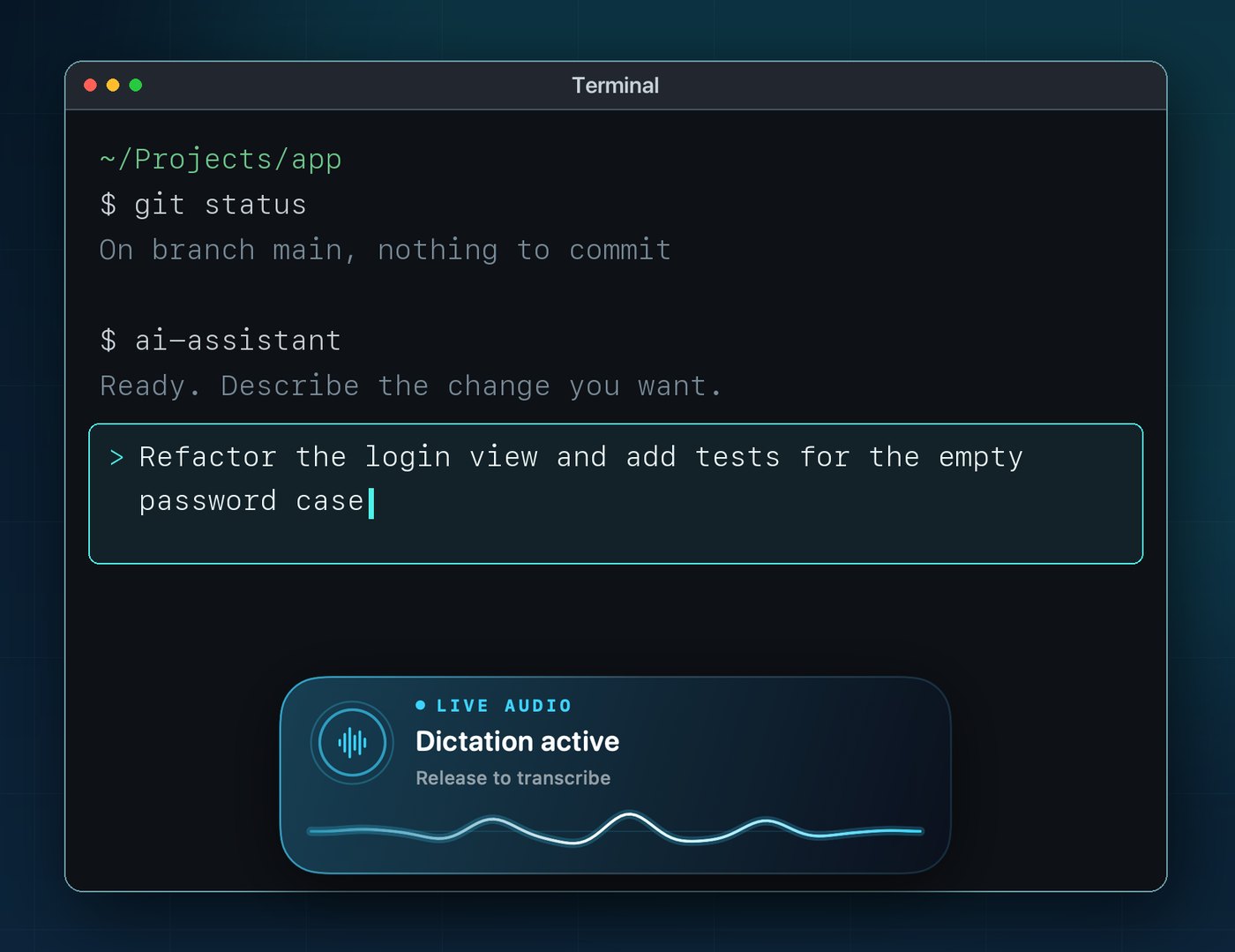
Hold. Speak. Release.
Talk.It types.
Offline dictation for Mac. Your voice becomes text in any app — processed on your Mac, never uploaded.
- Works offline Speech recognition runs on your Mac
- Private Audio never saved, no account
- No subscription Pay once, yours for life
30 days free, then €14.99 once. Lifetime.
How it works
Three moves, no window in the way
- ⌥option + Space1
Hold
Option + Space, or Fn. Works in any app.
-
 2
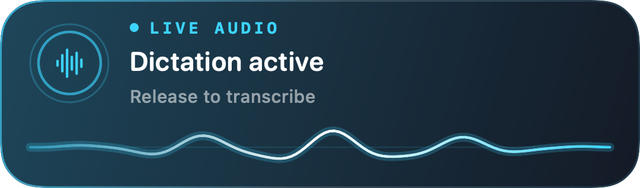
Speak
Talk naturally. Dittivo listens only while you hold.
-
 3
Release
Whisper transcribes on your Mac, no internet needed.
-

See you Thursday at ten.
4Done
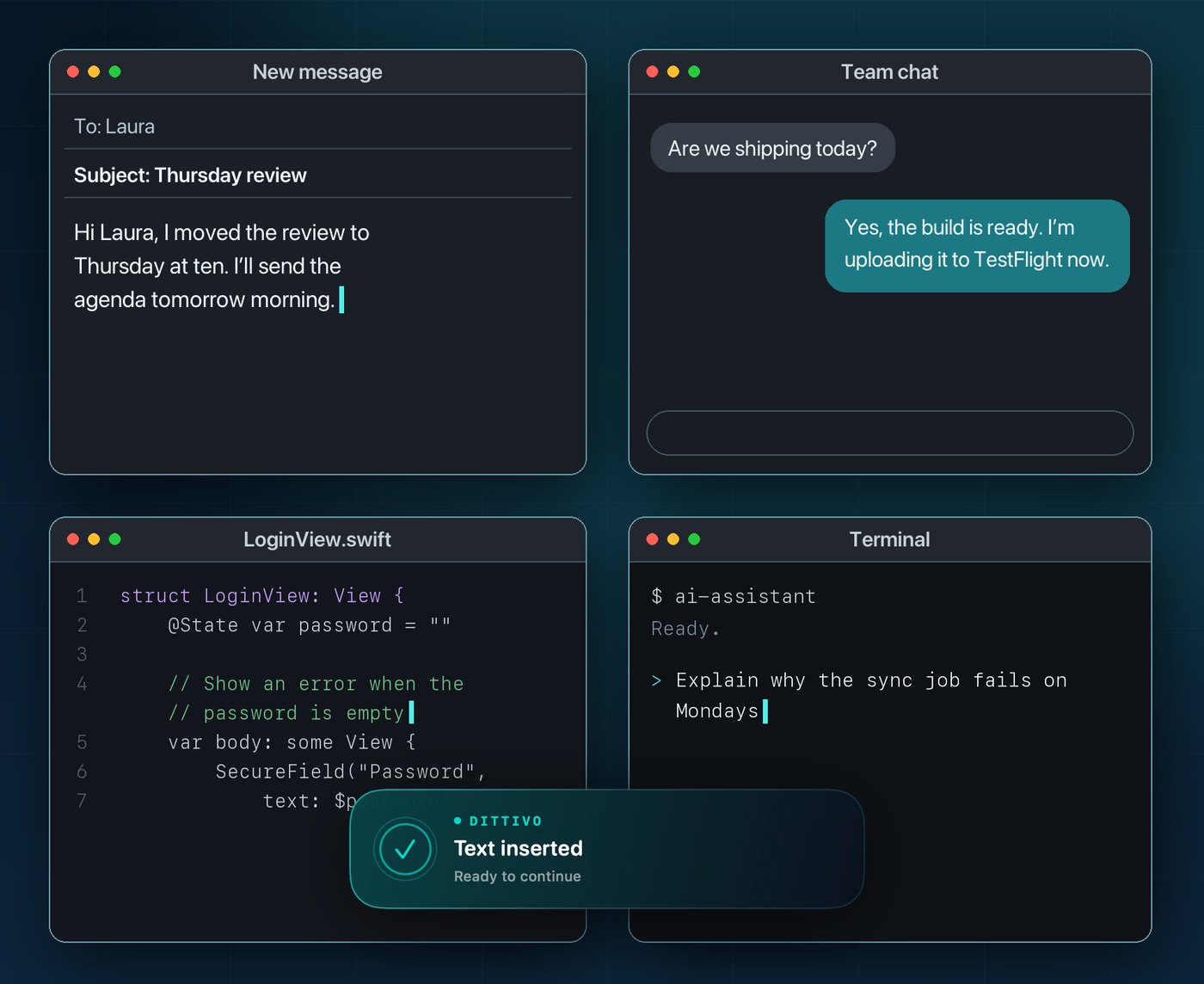
The text appears right at your cursor.
Features
Made for people who write all day
Any app
Mail, browsers, code editors, chats: Dittivo pastes the text into the active field.
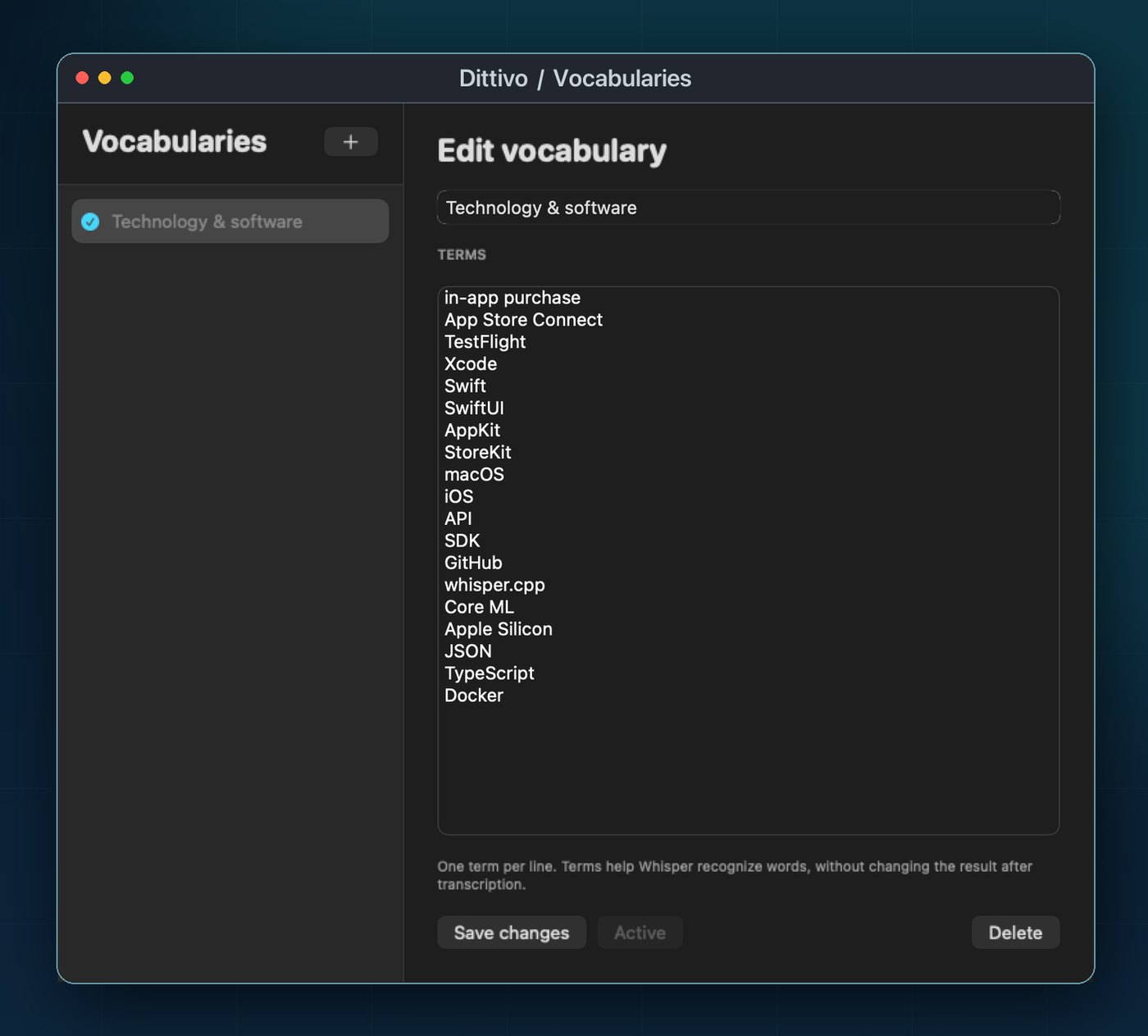
Vocabularies
Add names, products and technical terms to help recognition.
FAQ
Does it need Internet?+
Only once, to download the speech recognition model. After that, Dittivo works completely offline.
Which languages does it understand?+
Detects the language automatically: English, Italian, German, Spanish, French, Portuguese and more.
Is my voice recorded or uploaded?+
No. Audio is kept in memory only while it is transcribed on your Mac, then discarded. It never goes through a server.
Why does it ask for permissions?+
Microphone to hear you, Input Monitoring to recognize the shortcut in any app, and Accessibility to paste the text with ⌘V.
Which Macs are supported?+
Macs running macOS 15 Sequoia or later. Transcription is faster on Apple silicon.
Give your keyboard a break.
Get Dittivo and try it free for 30 days.